Your classes
Overdue assessments and pupils who need support
Know what needs your attention before the day starts.
For Class teachers and teaching leaders
Why it matters
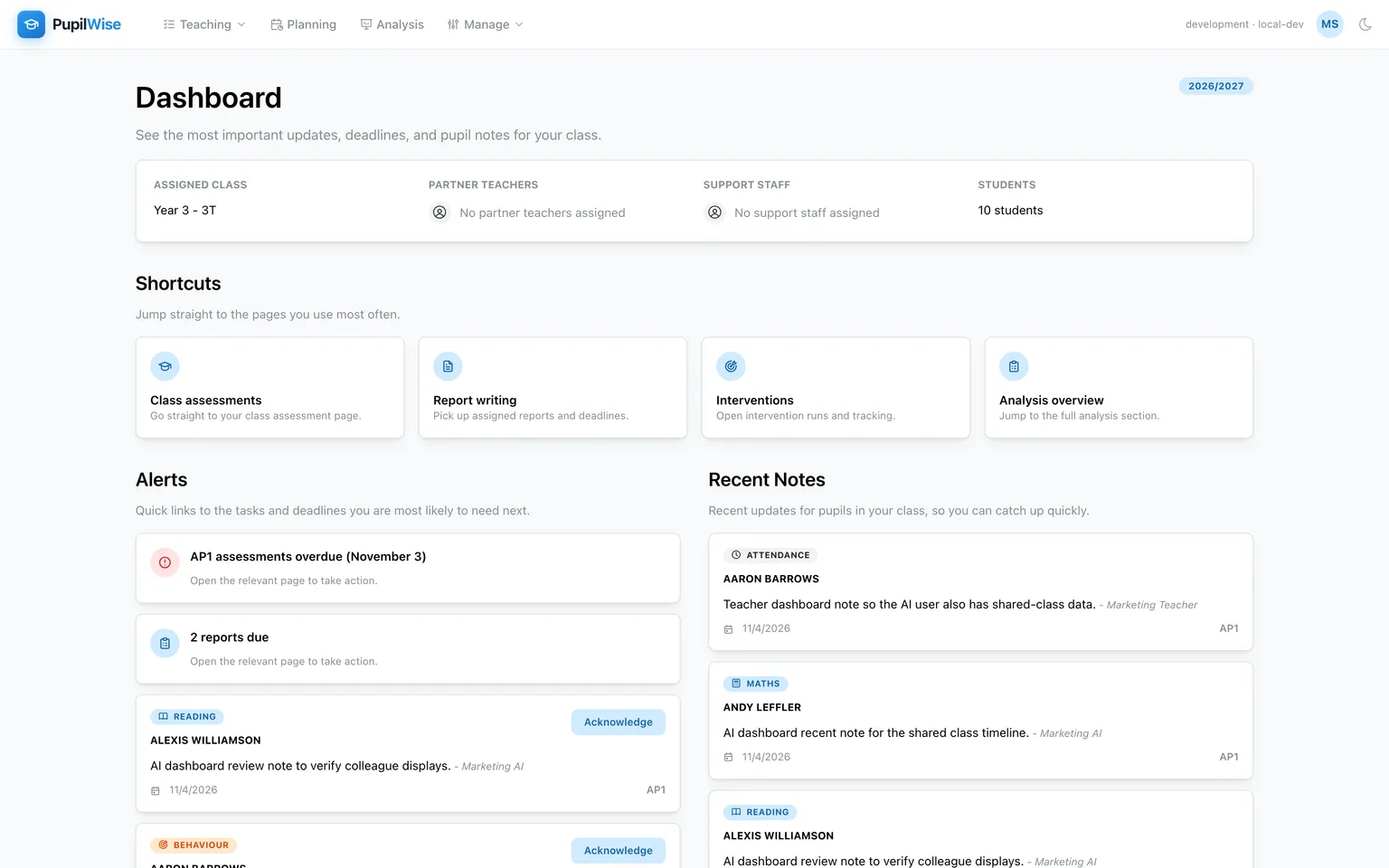
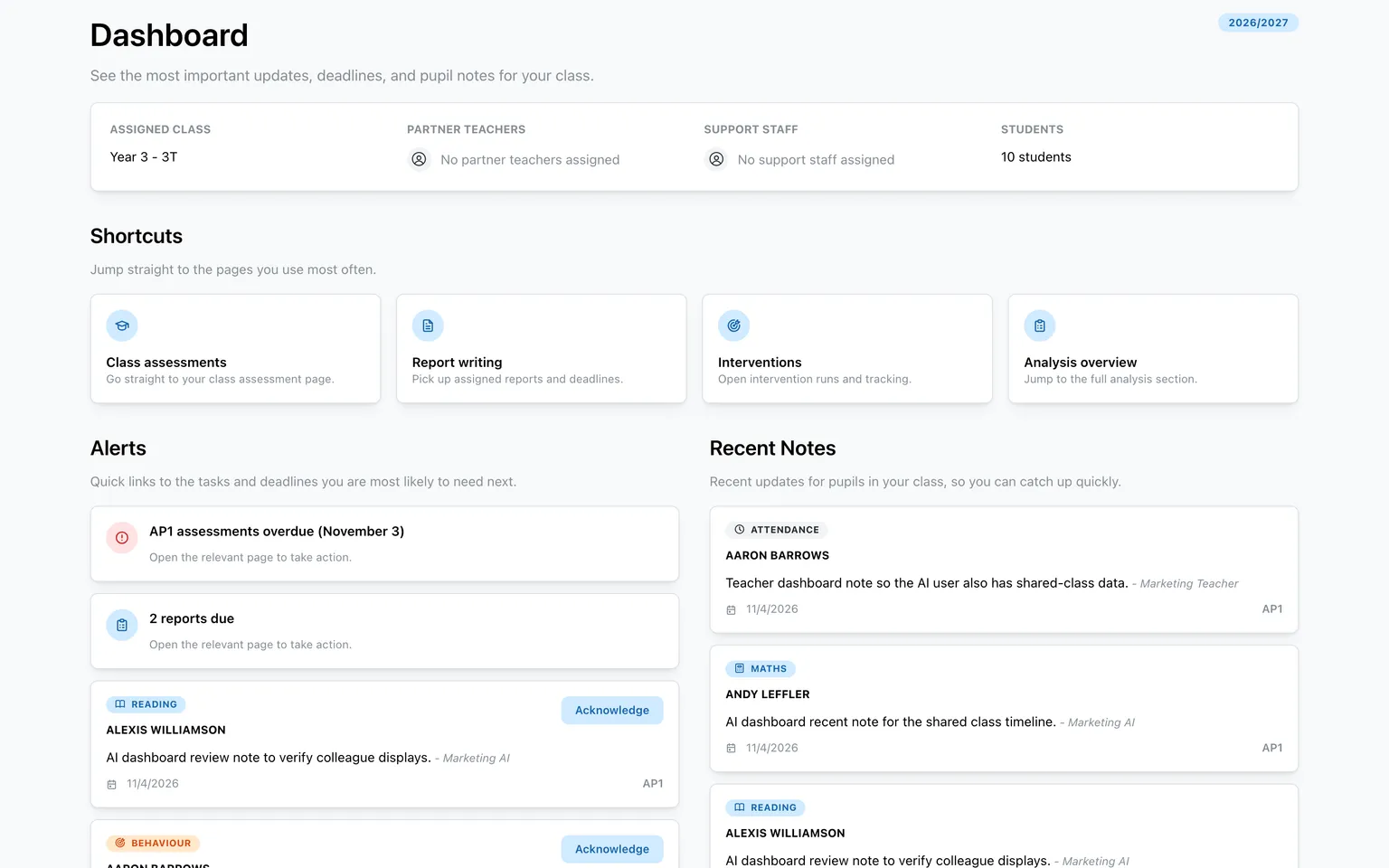
Missing scores come to light on deadline day. A pupil who has slipped in writing goes unnoticed because they are still at the expected standard. A colleague’s note sits unread. Your dashboard puts all three in front of you as soon as you sign in.
Hear about missing scores before the deadline
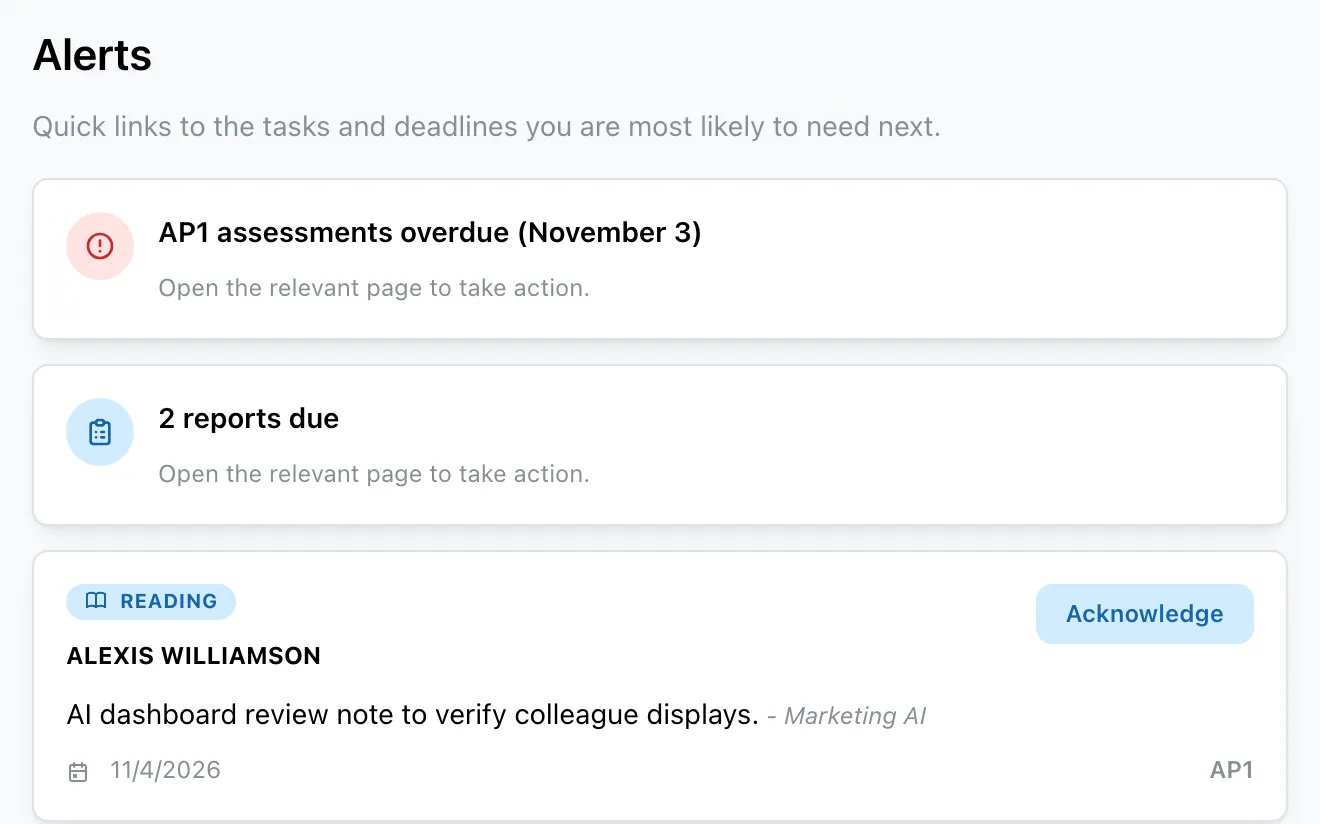
Avoid the last-minute scramble before pupil progress meetings. Clear reminders highlight incomplete assessments well before deadline day, so teachers can confirm judgements in time and leaders never have to chase.
Follows your school’s own assessment calendar across Nursery, Reception, and Years 1 to 6, including Year 6 SATs checkpoints.
Spot a pupil who is slipping while there is still time
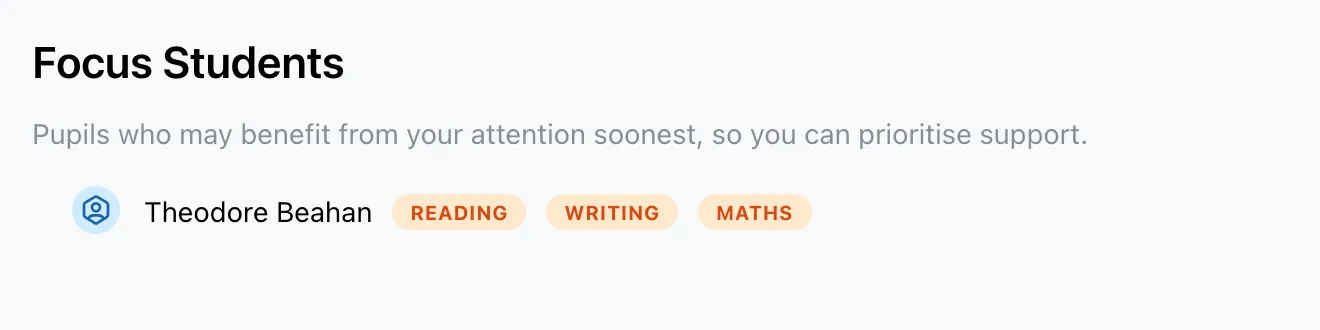
A child who drops from Greater Depth to Expected can easily go unnoticed in a busy term. Pupil Wise surfaces anyone in your class who has slipped below their previous key stage, so you can step in early before the gap widens.
Compares current judgements against Reception for KS1 and against KS1 for KS2, and highlights Reception children who are still Emerging in prime or core goals.
Never miss a note a colleague wanted you to read
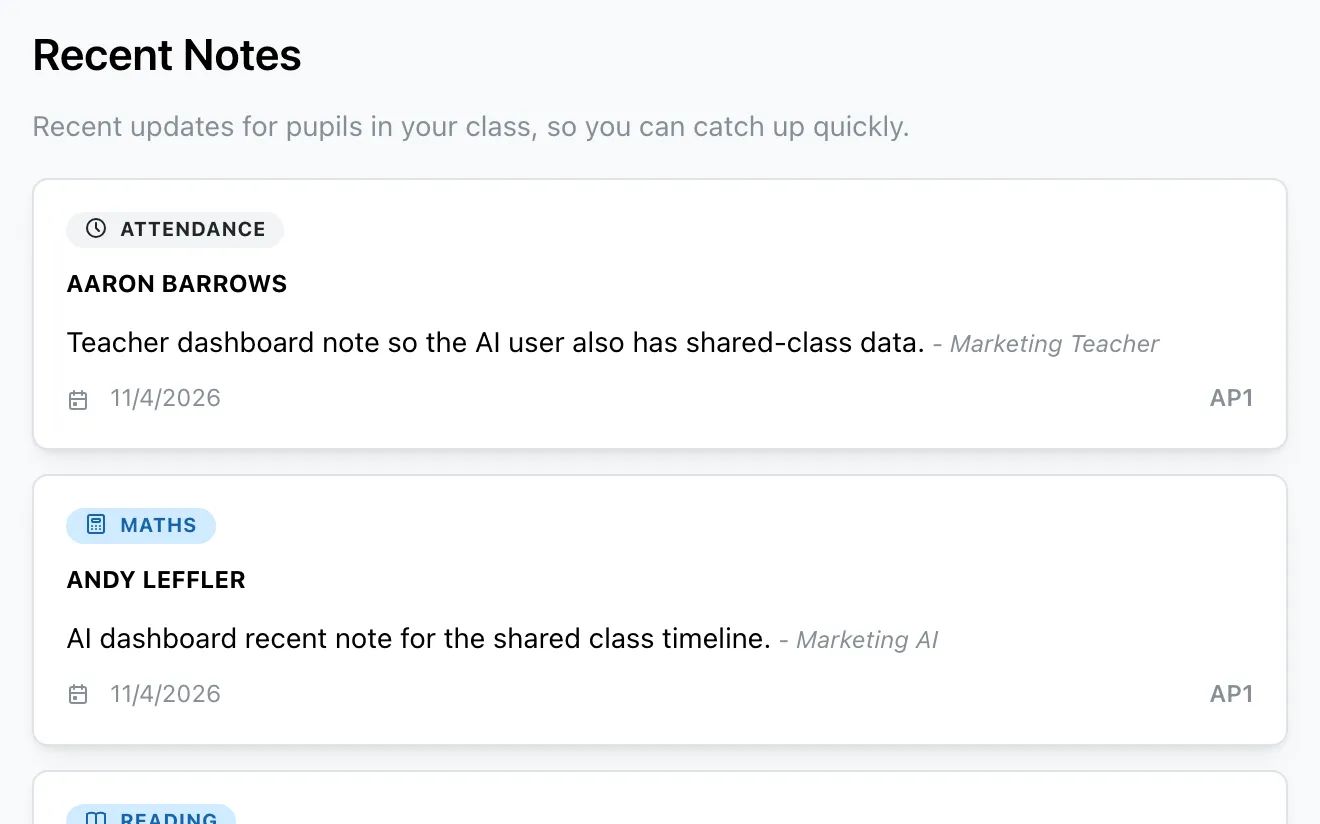
Important context about a child — from a SENCO, teaching assistant, or job-share partner — shouldn’t get buried in email. Notes flagged for your attention sit waiting when you sign in, alongside recent updates for your class.
Colleagues can tag specific teachers on any pupil note and see once it has been acknowledged.
Spend less time navigating and more time teaching
Teachers only see the classes and deadlines they are responsible for, so they can move straight from a morning check-in to entering scores, reviewing interventions, or finishing their end-of-year reports.
Tailored automatically to each teacher’s assigned classes and upcoming report deadlines.
A Monday before a progress meeting
A Year 4 teacher logs in and sees that this half term’s assessment period is due in nine days, with two writing scores still missing. Focus Students shows a child who has dropped in maths. She fills the gaps and checks on the pupil, so by Thursday’s meeting she has her own answers ready.
How it fits your school
Focused entirely on teaching and learning for your assigned classes, so important academic alerts aren’t buried under registers, dinner money, or office admin that already live in your MIS.
Start the day with the picture in front of you
See what the dashboard would show for your own classes. Pupil Wise is in beta with a partner school, and we’re keen to work with others.
Register your interest